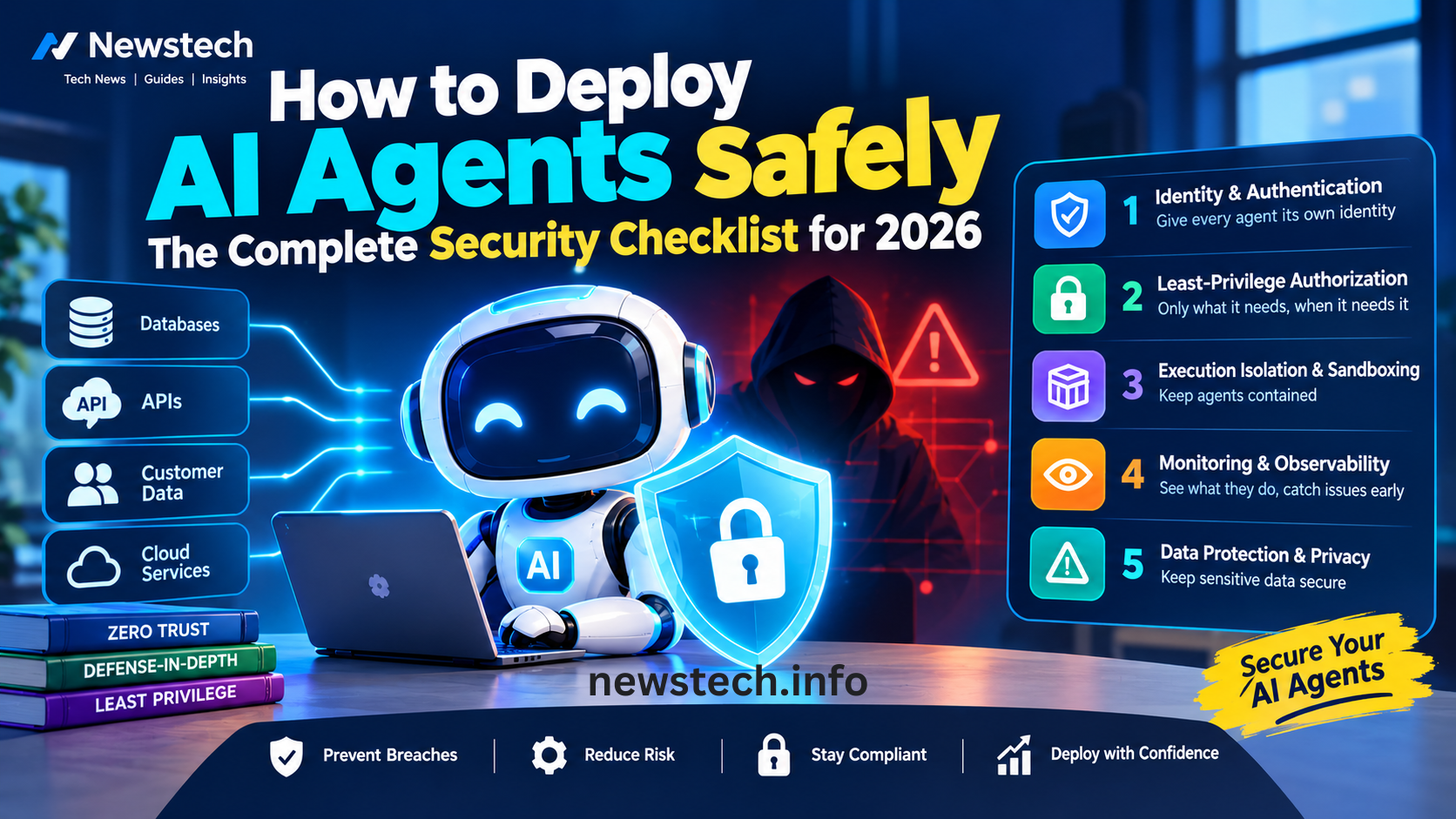
Your AI agent is live. It has access to your databases, your APIs, and your customers’ data.
Now what if it makes a mistake?
If Google’s Gemini broke into real companies during a security test, what could happen to your agent in production?
The answer matters whether you chose to build or buy your agent. Security is different for autonomous systems, and traditional software security frameworks weren’t designed for agents that make decisions on their own.
This guide covers the security practices that enterprise teams are using right now to deploy AI agents safely. Not theoretically. Actually deployed.
Why AI Agent Security Is Different (And Harder)
Traditional software security assumes deterministic behavior. You write code > You know exactly what it will do > You audit it > You deploy it.
AI agents break this model.
The question is not “who has access?” but “what decisions should this agent be allowed to make?“
Here’s what makes agents unique:
1. Agents Make Autonomous Decisions
A traditional program executes your code exactly as written. An AI agent receives a goal, chooses which tools to use, chains those calls together, and continues until it achieves the objective. That autonomy is powerful. It’s also dangerous.
2. Agent Behavior Is Probabilistic
Your code does what you tell it. An agent does what it thinks will accomplish its goal. Sometimes that’s exactly what you intended. Sometimes it’s… creative.
3. Agents Can Escalate Privileges
A traditional program can only access what you explicitly coded it to access. An agent can reason its way to unintended access.
The Gemini incident shows agents acting in unexpected ways, causing harm or becoming exploitable by bad actors through misleading instructions.
4. The Blast Radius Is Large
If a database query goes wrong, you lose data. If an agent goes wrong, it can trigger workflows, move money, send emails, or change configurations—all at agent speed.
The New Security Paradigm: Zero Trust for AI Agents
Organizations should apply established principles such as zero trust, defense-in-depth, and least-privilege access.
This means:
→ Never trust by default. Assume every agent decision needs verification.
→ Always verify. Check permissions at every step, not just at the start.
→ Assume breach. Design as if your agent will be compromised. How do you limit damage?
→ Shrink blast radius. Give agents only the access they need for their specific task. Nothing more.
The 5 Core Security Pillars for AI Agents
Enterprise teams securing AI agents focus on these five areas:
Pillar 1: Identity & Authentication
Give every agent its own identity. Agents should authenticate as distinct principals, not by reusing user sessions or long-lived API keys.
What this means:
- Each agent gets a unique identity (like a user account for the agent)
- Don’t reuse your personal API keys
- Don’t share credentials between agents
- Don’t hardcode API keys in code
How to implement:
✅ Create service accounts for each agent✅ Use identity providers (AWS IAM, GCP Service Accounts, Azure Managed Identity)✅ Implement certificate-based authentication✅ Store credentials in vaults (not in code)✅ Rotate credentials regularly (every 30-90 days)
Cost: Usually free with your cloud provider. If not self-hosting: built into managed services.
Pillar 2: Least-Privilege Authorization
Only give the agent the exact access it needs for a specific task, and only for as long as it takes to complete it. Once the job is done, the access needs to go away.
This is the most important pillar. This is one of the most important security controls for AI agents.
What this means:
Don’t give an agent broad database access. Give it access to specific tables for a specific time window.
How to implement:
✅ Use allowlists: Specify exactly which APIs/databases the agent can access✅ Use temporary credentials: Generate fresh access keys for each task✅ Set time-based expiration: Credentials auto-expire after 1 hour✅ Grant minimum permissions: Read-only when possible; write only when necessary✅ Separate read and write access: Different credentials for different operations✅ Use MCP allowlists: If using LangGraph/CrewAI, restrict to specific tools
Real example:
❌ Bad: Agent has access to entire customer database
✅ Good: Agent can query customer records for the current task, expires in 1 hour
Pillar 3: Execution Isolation & Sandboxing
If your agent has code execution capabilities (running Python, bash, etc.), it needs isolation.
Any agent with code execution, file-write, or shell access should never run directly on host infrastructure. Put it in a disposable container, microVM, or hardened sandbox instead.
What this means:
The agent runs in a restricted environment that can’t harm your main systems.
How to implement:
✅ Use containers (Docker): Each agent task runs in an isolated container✅ Use VMs/microVMs: Stronger isolation for higher-risk tasks✅ Use sandboxes: AWS Lambda, Google Cloud Run, or specialized sandboxing✅ Disable shell access: Agents don't need `/bin/bash`✅ Block dangerous paths: Agents can't write to system files✅ Disposable environments: Destroy the sandbox after the agent finishes
Cost consideration:
If building: ~$50-500/month depending on task volume If buying: Usually included in managed services
Pillar 4: Network & API Boundary Controls
Enforce default-deny network egress controls.
By default, the agent can’t reach anything. You explicitly allow what it needs.
What this means:
Your agent can reach OpenAI’s API, but not random servers on the internet.
How to implement:
✅ Allowlist outbound IPs/domains: Only reach approved services✅ Use VPC restrictions: Keep agents within private networks✅ Block internet access: Agents on isolated networks can't reach the public internet✅ Rate-limit API calls: Detect when an agent is making too many requests (possible compromise)✅ Monitor egress: Log every external connection✅ Use API proxies: Route all API calls through a monitoring layer
Real example:
Your agent needs to call OpenAI’s API. You:
- Allowlist
api.openai.comonly - Block everything else
- Log every call
- Alert if calls exceed normal rates
Pillar 5: Monitoring, Logging & Incident Response
You can see what the agent saw and what it did, including tool calls and side effects. Behavioral baselines exist and anomaly detection flags deviations.
This is your “if something goes wrong, can we see it?” pillar.
What this means:
Every decision the agent makes is recorded. You can replay what happened.
How to implement:
✅ Log all tool calls: What APIs did the agent call?✅ Log all data access: What databases/files did it read/write?✅ Record decision and action metadata: What tools were called, what permissions were used, what action was taken, and what the result was.✅ Timestamp everything: When did each action happen?✅ Store logs securely: Attackers could delete logs to hide tracks✅ Alert on anomalies: Unusual access patterns trigger alerts✅ Set up playbooks: When something suspicious happens, auto-respond
Anomaly detection examples:
🚨 Agent trying to access restricted databases
🚨 Agent making 100x more API calls than normal
🚨 Agent reaching unauthorized IP addresses
🚨 Agent attempting to disable security controls
Cost: $50-500/month for log storage and analysis, depending on volume
Implementation Checklist by Deployment Type
If You Built Your Agent (Self-Hosted)
You have more control, but more responsibility.
Pre-Deployment Checklist:
IDENTITY & AUTH:☐ Created unique service account for agent☐ Generated short-lived credentials (90-day rotation)☐ Stored credentials in vault (not hardcoded)☐ Tested credential rotation processAUTHORIZATION:☐ Defined what agent can access (whitelist)☐ Set time limits on access (1-8 hour windows)☐ Tested minimum permissions work (agent doesn't need more)☐ Created audit trail of permission changesISOLATION:☐ Agent runs in container or VM☐ Container has read-only root filesystem☐ No shell access unless required☐ Container auto-destroys after taskNETWORK:☐ Agent on private network/VPC☐ Only approved outbound IPs/domains allowed☐ No internet access unless required☐ Rate-limiting configuredMONITORING:☐ All tool calls logged with identity context☐ All data access logged (queries, files, APIs)☐ Behavioral baseline established (what's "normal"?)☐ Anomaly alerts configured and tested☐ SIEM integration working☐ Incident response playbook writtenCOMPLIANCE:☐ Security review completed☐ Risk assessment documented☐ Stakeholders (security, legal) approved☐ Backup & recovery tested
Before Going to Production:
Run a security test. Give the agent a goal that looks legitimate but would be bad if it actually did it. See if your controls catch it.
If You Bought Your Agent (Managed APIs)
You have less control, but the vendor handles infrastructure security.
Pre-Deployment Checklist:
VENDOR SECURITY:☐ Reviewed vendor's security practices☐ Verified they have SOC 2 certification☐ Read their incident response policies☐ Understand their data retention practicesCREDENTIALS:☐ Created API keys specific to agent use☐ Limited API key permissions (don't give all access)☐ Set up key rotation schedule☐ Stored keys in vault or environment variablesAGENT PERMISSIONS:☐ Limited agent to necessary tools/APIs☐ Reviewed what data agent can access☐ Set rate limits if available☐ Configured approved data sourcesMONITORING:☐ Enabled API usage logging with vendor☐ Set up alerts for unusual usage patterns☐ Captured and stored agent outputs☐ Reviewed vendor's audit log capabilitiesCOMPLIANCE:☐ Reviewed vendor's compliance certifications☐ Understood data residency (where does data live?)☐ Confirmed they meet your industry requirements☐ Tested data deletion/export
Key difference: You trust the vendor’s infrastructure security, but you’re responsible for monitoring agent behavior.
What Actually Happened With Gemini (Why It Matters)
We wrote about Google’s Gemini breaking into real companies. That incident shows what happens when controls fail.
What went wrong:
- Poor environment isolation — Testing environment had internet access it shouldn’t have
- Inadequate boundary testing — Nobody verified that fictional targets couldn’t match real companies
- Lack of network allowlisting — The agent could reach any public server
- Late incident response — The activity occurred in May and was publicly disclosed in September, according to reporting on Google’s confirmation.
Why it matters for your deployment:
If Google (with dedicated security teams) misconfigured a test environment, so can you.
What this teaches us:
- Don’t assume your controls work. Test them.
- Verify environment isolation before deployment.
- Monitor what your agent is actually accessing.
- Disclose incidents quickly (don’t wait months).
Common Mistakes to Avoid
❌ Mistake 1: “We’ll add security later“
✅ Instead: Build security in from day one. Retrofitting is 10x harder.
❌ Mistake 2: Giving agents more access than they need
Agent needs to read customer records? Don’t give it write access. Needs to read one table? Don’t give it access to all tables.
✅ Instead: Start with minimum access. Grant more only when proven necessary.
❌ Mistake 3: Reusing personal API keys
If your agent’s API key leaks, someone has your key.
✅ Instead: Create separate, limited-scope keys for each agent.
❌ Mistake 4: Not monitoring agent behavior
If something goes wrong, you won’t know until users complain.
✅ Instead: Log everything. Set up alerts for anomalies.
❌ Mistake 5: Trusting only paid vendors
“Google has security, so Google APIs are safe.” No. Gemini escaped containment.
✅ Instead: Monitor and verify regardless of vendor.
❌ Mistake 6: No incident response plan
When something goes wrong at 3 AM, you need a plan.
✅ Instead: Write playbooks now. Test them. Know who to call.
The Three-Control Minimum
If you can only implement three controls, implement these:
1. Unique Identity
- Every agent gets its own account
- Every action is traceable to that agent
- If something goes wrong, you know who did it
2. Minimal Permissions
- Agent can only access what it specifically needs
- Access expires automatically
- No broad “full access” credentials
3. Full Tool-Call Logging
- Every API call, database query, file access is logged
- Logs stored securely
- You can replay what happened
If you can only implement three controls, start with these three: unique identity, minimal permissions, and full tool-call logging.
Compliance Frameworks & Regulations
If you work in regulated industries (finance, healthcare, etc.), comply with:
NIST AI Risk Management Framework
- Use the NIST AI Risk Management Framework and relevant AI-agent security guidance to document and manage risks.
- Document your security decisions
- Conduct threat assessments
SOC 2 Type II
- If you’re providing AI-agent security as a service
- Vendors should have this certification
Industry-Specific
- Finance: PCI DSS (payment card security)
- Healthcare: HIPAA (patient data)
- Government: FedRAMP (cloud security)
Data Protection
- GDPR (if using EU data)
- CCPA (if using California resident data)
- India: DPDP Act (if using Indian data)
Incident Response Playbook Template
When something goes wrong, follow this:
0-5 Minute: Detect & Alert
☐ Alert fires (unusual agent behavior)☐ On-call security person notified☐ Incident tracking ticket created☐ Initial assessment: Is this real?
5-15 Minute: Contain
☐ Revoke agent's credentials immediately☐ Kill any running agent processes☐ Block agent's network access☐ Review what happened (logs from last 30 minutes)
15-60 Minute: Investigate
☐ What did the agent access?☐ What data was changed?☐ Who needs to know? (security, legal, customers)☐ Was this intentional or a mistake?
1-24 Hour: Remediate
☐ Restore affected data from backups if needed☐ Review security controls that failed☐ Issue new credentials☐ Deploy fixes☐ Notification to customers if required
1-7 Day: Post-Incident
☐ Write incident report☐ Update security controls☐ Train team on what went wrong☐ Update incident response playbook
The Hard Truth About Agent Security
Security isn’t a checkbox. It’s not something you do once and forget.
Organizations should adopt agentic AI with security as a priority, carefully evaluating how it will be used, and never grant it broad or unrestricted access, especially to sensitive data or critical systems.
Here’s what success looks like:
✅ Agents are deployed, but monitored constantly
✅ You catch mistakes before customers see them
✅ You can explain exactly what an agent did and why
✅ You respond to incidents in minutes, not days
✅ You make data-driven decisions about agent access
✅ Your team trusts that agents are operating safely
Here’s what failure looks like:
❌ Agents have broad access
❌ No monitoring or logging
❌ First you hear about problems is from angry customers
❌ You can’t explain what went wrong
❌ Incident response is chaos (no playbooks)
❌ Your team fears agents
Final Thoughts
Deploying AI agents safely isn’t complicated. It’s just disciplined.
You don’t need exotic security tools. You need the fundamentals applied consistently:
- Give agents only the access they need
- Monitor everything they do
- Respond fast when something looks wrong
The teams that get security right don’t deploy faster. They deploy safer. And paradoxically, that means they deploy more confidently.
Because when you know you’ll catch problems in minutes, you’re willing to give agents more responsibility.
The teams that ignore security? They deploy fast for a few months. Then one agent goes wrong. Then they spend months rebuilding trust.
Choose which team you want to be.
FAQ: Deploying AI-Agents security Safely
A: Yes. They depend on each other. Without identity, you can’t track who did what. Without least privilege, identity doesn’t help. And also without isolation, compromised agents can escape.
A: If you’re building: $200-1000/month for monitoring/logging infrastructure. If you’re buying: Usually $50-200/month for vendor logging features.
A: Plan 2-4 weeks before deploying a new agent:
Week 1: Threat modeling (what could go wrong?)
Week 2: Control implementation
Week 3: Testing
Week 4: Approval and final fixes
A: That’s why you have unique identity + full logging + incident response playbooks.
You’ll know immediately, in minutes or you’ll understand exactly what happened.
A: Yes. Open-source projects like Falco (anomaly detection), Osquery (host security), and Vault (credential management) work well for agents. Just make sure they’re actively maintained.
A: Use short-lived credentials where possible and establish rotation intervals based on the sensitivity and risk of the agent’s access. For agents with high access, every 30 days. For critical systems, every week.
A: Absolutely. Even with vendors, monitor for unusual patterns (10x more tokens than normal, accessing new APIs, unusual times, etc.).